Deadly Days: Roadtrip Co-Op Multiplayer Guide
How 2-player local co-op, Steam Remote Play Together, touching cross-backpack synergies, Teleporter behavior, and console co-op work in Deadly Days: Roadtrip.
On this page
Deadly Days: Roadtrip supports 2-player local co-op on a shared screen and online play on PC through Steam Remote Play Together, with no second copy needed for the invited friend. Pixelsplit introduced couch co-op as a beta during Early Access in Update 0.22 and expanded it with touching cross-backpack synergies for the full 1.0 launch on October 29, 2026. Dedicated online matchmaking lobbies and cross-platform multiplayer are not part of the game’s announced feature set, so online runs on PC work by streaming a local session to a friend.
Multiplayer Overview
| Feature | How It Works |
|---|---|
| Player count | 2 players sharing one screen |
| Local co-op | Available on PC, PS5, and Xbox Series consoles |
| Online co-op | Steam Remote Play Together on PC only, no second copy required |
| Online matchmaking or crossplay | Not listed in Pixelsplit announcements or store features |
| Controller requirement | At least one player needs a controller |
| Shared backpack synergies | Adjacent grids touch at the border so selectors mark items across backpacks |
| Stats and leaderboards | Per-player split round-end stats and a Local Co-op Leaderboard |
For console edition specifics, handheld settings, and controller prompts, check our Platforms, Consoles, and Steam Deck guide. You can also compare co-op support against the earlier solo game in Deadly Days vs Deadly Days: Roadtrip.
Local Co-Op vs Steam Remote Play Together
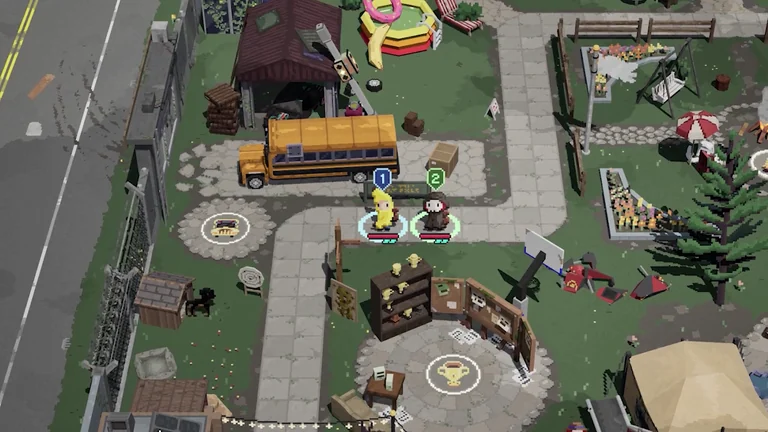
Local couch co-op launched alongside version 1.0 across Steam, PS5, and Xbox Series X|S, with the Windows PC edition also covered under Xbox Play Anywhere. Both survivors fight on the same shared screen rather than a split viewport, sharing the roadtrip route, loot runs, and extraction clock.
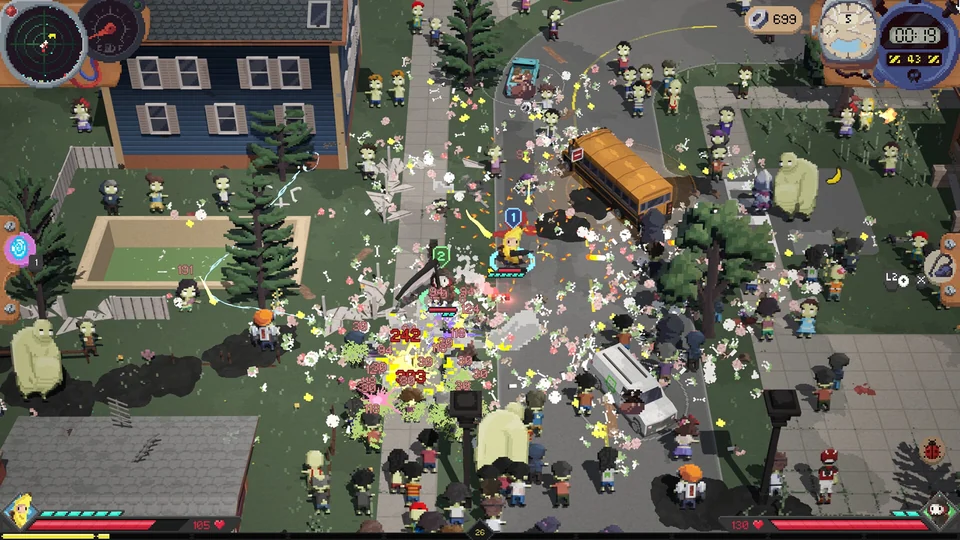
To play two-player co-op, you add a co-op player and assign a device to each player. One player can stay on keyboard and mouse, while at least one teammate must play with a controller. If a controller loses connection, the game shows a “Controller disconnected” notice prompting you either to reconnect the controller to continue or, where supported, to continue with keyboard and mouse.
On Steam, hosting online runs through Steam Remote Play Together runs straight out of the same local co-op mode. Only the host needs to own Deadly Days: Roadtrip, and any friend on your Steam friends list can join the stream. On handheld PCs such as the Steam Deck, patch 0.22.1 shrank the co-op inventory button bar so prompts no longer overlap during two-player management. No standalone online servers or cross-platform play are listed by Pixelsplit, so PS5 and Xbox Series X|S sessions stay local couch co-op.
Cross-Backpack Synergies and Shared Inventory Mechanics
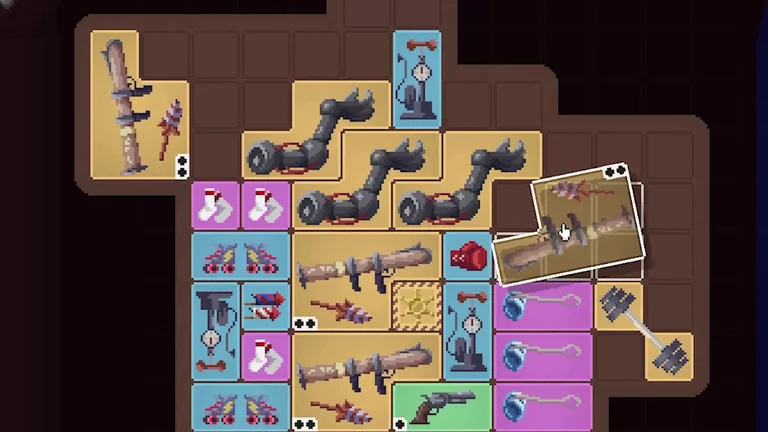
The major co-op upgrade in version 1.0 turned two separate grids into one connected puzzle. Each survivor gains one extra unlockable column in co-op, the two backpacks can touch along the middle border, and each bag keeps a distinct player outline so you can tell whose space you are expanding. Once horizontal growth hits the shared screen limit, the interface warns that the co-op backpack cannot grow any wider.
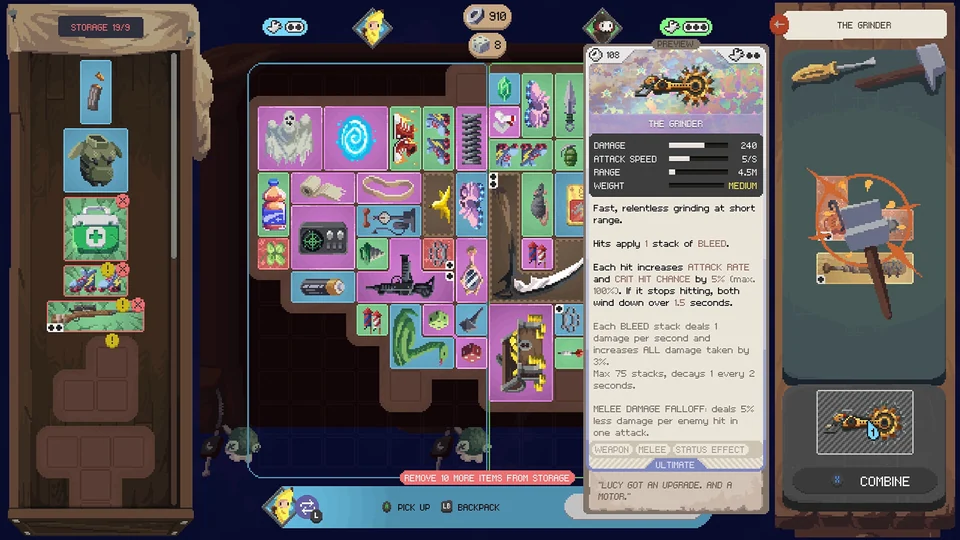
Cross-backpack synergies activate as soon as the grids meet. An item’s selector shape rotates with the piece and marks every qualifying cell it reaches, including tiles sitting inside the partner’s backpack. Moving gear between survivors or routing an item through the shared stash keeps its character stickers intact.
Both players manage loot alongside a shared storage tray and the bus  Item Workbench, which unlocks for 1 Duct Tape after
 Moonshine Crate. Patch 1.0.3 also let players open a read-only recipe list inside the pause inventory and during reward crates while keeping actual crafting on the bus. Inside the inventory, an “It’s your turn” notification tells co-op players when it is their turn.
At the end of a run, round-end stats split between both survivors with the lower figure dimmed, while metrics that cannot be separated show the team total. Stats remain separate across save slots, and co-op runs track separately on the Local Co-op Leaderboard.
Teleporter and Co-Op Item Behavior
Several items carry rules or patches that matter specifically in two-player runs, led by  Teleporter. Unlocked inside the
 Junk Drawer item pack for 5 Duct Tape after
 Shoebox, Teleporter is a 2x2
 Ability item available at Epic and Super rarities.
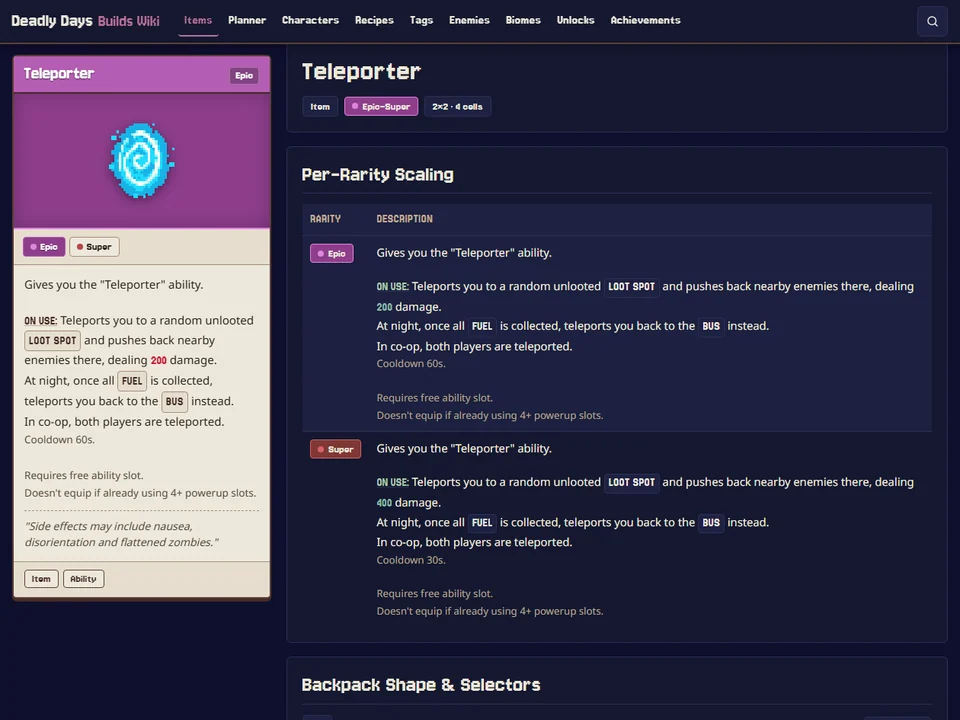
When activated, Teleporter warps you to a random unlooted loot spot, knocks back nearby zombies, and deals 200 damage with a 60-second cooldown at Epic rarity. At Super rarity, Teleporter increases impact damage to 400 and drops the cooldown to 30 seconds. Once night falls and all fuel is gathered, activating it warps you straight back to the bus instead. In co-op, Teleporter explicitly warps both players together, making a single copy an emergency extraction button for the whole duo.
Patch 1.0.1 removed Teleporter from the Auto Use Power Ups option so automatic activation will not yank both teammates across the map without warning, and fixed destination checks that could drop survivors inside houses or empty space. A handful of other items received co-op and inventory updates worth keeping in mind:
 The Void: Boosts marked weapons and
 Thrown items by 20% per free hand and 3% per empty slot at Epic rarity (40% and 5% at Super); version 1.0 fixed its preview so it no longer always calculated from Player 1.
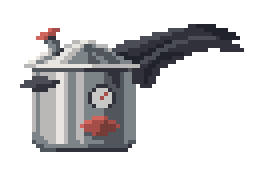
- Pressure Cooker: Triggers a radial blast dealing 200 damage per character level on a 30-second cooldown at Epic rarity (15 seconds at Super); patch 0.22.1 stopped the explosion from damaging Player 2 in co-op.
 Hammer: Upgrades every marked item by one rarity at day’s end without exceeding its own rarity or upgrading other hammers; patch 1.0.3 updated its wording and ensured upgrades refresh backpack effects right away.
 Shield Generator: Repairs 1
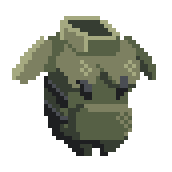 Armor every 10 seconds (5 seconds at Super) while current armor stays below the marked-item cap, with its tooltip reworded in patch 1.0.3 for clarity.
Co-Op Combat, Shared Camera, Revives, and Post-Launch Fixes
Because both characters share one camera frame, positioning and dash timing matter during chaotic nights when hordes surround the bus. Patch 1.0.1 tightened camera bounds after dashes could still carry a survivor slightly past the shared frame, while version 1.0 stopped enemies from despawning when one teammate moved toward them.
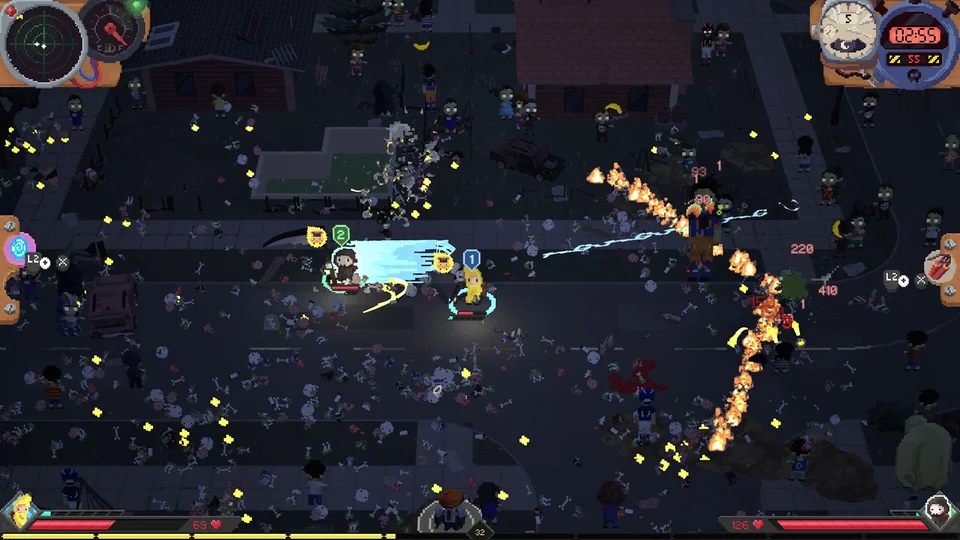
Downed teammates can be revived mid-run or brought back when the bus extracts, and item revives such as  Scythe,
 Blood Bag, and
 Lottery Ticket display their item icon above the survivor when triggered. Across version 1.0 and its follow-up patches, Pixelsplit fixed the main pain points reported during the Early Access co-op beta:
- Version 1.0.0: Fixed rejected bag placements near the dividing border between both backpacks, blocked downed players from activating powerups, fixed the bus revive skipping late downs or healing past Medicine Shortage, fixed missing equip effects on the bus after a takeoff down, and fixed turrets and chickens crediting the wrong player’s item.
- Patch 1.0.1: Fixed the most common co-op crash in long sessions, stopped Player 2’s swapped-out items from duplicating into the stash, fixed mouse-dragged items disappearing when a controller button was pressed, and fixed Player 2 losing health when a max-health item was briefly removed.
- Patch 1.0.3: Stopped airdrops from offering extra bags after every backpack is fully expanded, added a grey tint and red badge for items switched off by another item, cut inventory stutter and memory growth, fixed Item Workbench ingredients staying inside when closing the inventory with the workbench panel still open, and fixed large
 Vampire Bat swarms cutting off other hit sounds.
- Patch 0.22.1: Allowed either teammate to advance dialogs, stopped Unequip All from clearing the partner’s grid, prevented runs from ending if one survivor died right while reviving the other, and resolved controller prompt, rumble, pause, and slot-assignment bugs in co-op.
Planning Dual-Backpack Synergies
Placing selector items along the touching vertical seam turns two modest grids into one wide synergy engine. Since selectors check tags across the border just like inside your own bag, pairing survivors whose signature gear leans into shared tags multiplies every rare booster you find.
Triggerable Chains Across the Border
 Bananaperson starts in a 2x2 default backpack with
 Special Banana, which carries the Thrown,
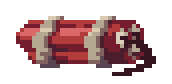 Explosive,
 Triggerable,
 Inflatable, and Food tags and throws a bouncing exploding banana every 3 seconds and whenever triggered. When Bananaperson teams up with
 Death — who carries Scythe, a
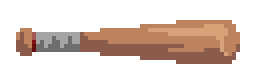 Melee weapon scaling by +5 damage per level that revives on death before breaking into a weakened blade — Death can hold larger support gear while staying close to the dividing line.
A  Cogwheel placed on the seam ensures that whenever one marked Triggerable item fires, every other marked Triggerable piece triggers once per chain reaction across both grids. An adjacent
 Gem of Mirroring adds a 10% to 30% chance on experience orb pickup to fire marked Triggerable items again. You can also stand
 Hand Mirror vertically against the divider so buffs reaching a marked item on one survivor’s side mirror onto the marked item opposite it in the partner’s backpack.
Electric Parity and Lightning Bridges
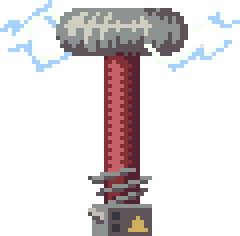 Tesla Coil carries the
 Electric and Triggerable tags, grants marked
 Lightning items 1 to 4 bonus bounces per marked Electric item, and shoots electrocuting bolts every 3 seconds — but it deactivates if it marks an odd number of items. Pairing it with Battery (tagged Electric and Lightning, adding a 25% to 80% chance for marked weapons and Thrown items to fire bouncing lightning on hit) across the center border makes balancing an even marked count much easier.
Splitting Melee and Ranged Roles
 Vampire starts without a standard gun and relies on Vampire Bat, summoning a circling ring of 6 bats (+1 per level, capped at 100) with a 2% chance to restore 2 health per hit while benefiting from most Melee weapon modifiers.
 Sheriff starts with
 Sheriff Star, whose star selector targets
 Ranged weapons to trim reload duration and fire 6 reload bullets each reload.
With Vampire beside Sheriff, weapon drops do not clash while either player can host seam-straddling boosters.  Boxing Glove (triggering a follow-up hit for 25% damage at Rare, 50% at Epic, and 100% at Super on marked Melee weapons) and
 Brass Knuckles (granting a crit every 20 down to 5 attacks on marked Melee weapons) can sit inside Sheriff’s border tiles to empower Vampire Bat, while a shared Hammer placed on the center seam upgrades qualifying items in both backpacks overnight.
Test cross-border layouts in the backpack build planner, compare survivor kits under Characters, and check tag details across Items. For full solo and duo setups or foundational tips, continue to our best builds guide and our beginner guide.