Deadly Days: Roadtrip Astronaut Unlock (Space Shuttle Guide)
How to find the Space Shuttle map event, complete the Spaceshuttle defense achievement, and build around Astronaut and Space Suit in Deadly Days: Roadtrip.
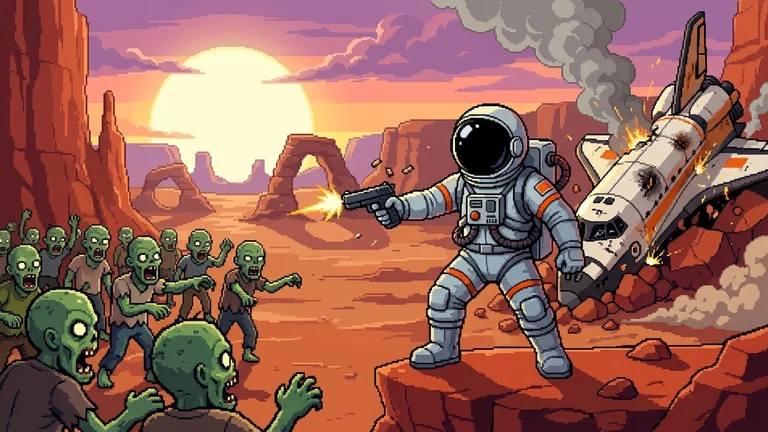
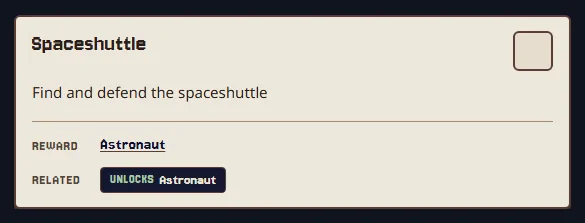
To unlock  Astronaut in Deadly Days: Roadtrip, pick a standard-run route stop carrying the Space Shuttle map event (“A space shuttle crashed here.”), locate the crash site on the map, and complete the Spaceshuttle defense achievement. For every survivor unlock requirement across the roster, check our full character unlock guide.
Finding the Space Shuttle Map Event
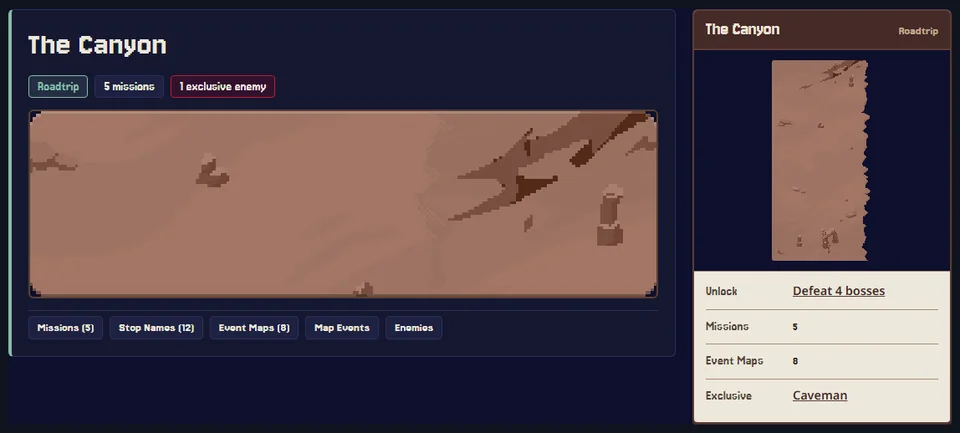
The Space Shuttle encounter rolls as a map event with no biome restriction across standard roadtrip stops—hover route nodes on the road map and look for the modifier “A space shuttle crashed here.” Update 0.17 and Update 0.18 originally tied the crash site to a dedicated Canyon map marked with a space shuttle icon, whereas current game data rolls the Space Shuttle through the general map-event pool instead, and 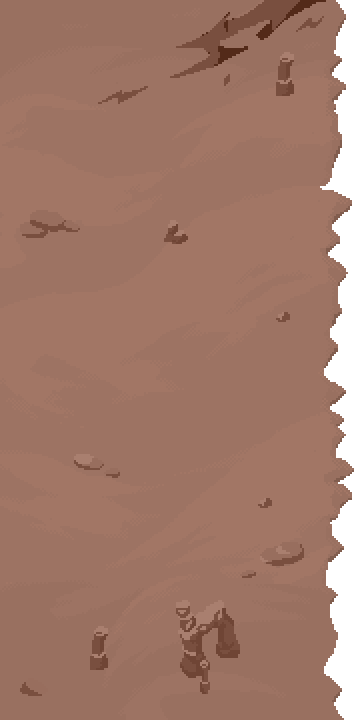 The Canyon contains only its boss fight and four standard stops with no shuttle map.
Stay out of Endless mode while hunting this unlock, because the Space Shuttle encounter is disabled there, requires the full game, and can appear at most 1 time per map and 1 time per run. In the map event pool, the encounter carries a spawn weight of 65 and becomes eligible starting on Day 1 with no biome restriction. After loading into the map, scan for the question-mark icon added in Update 0.17—the same map hint that points to the pumpkin encounter covered in our guide to unlocking The Carver.
Defending the Crashed Space Shuttle
The Spaceshuttle achievement asks you to find the crashed craft and defend it, rewarding Astronaut as soon as the defense succeeds. Because the Space Shuttle event can roll from Day 1, holding off on a Day 1 crash stop until later in a run when you have a steady weapon setup makes defending the shuttle much safer.
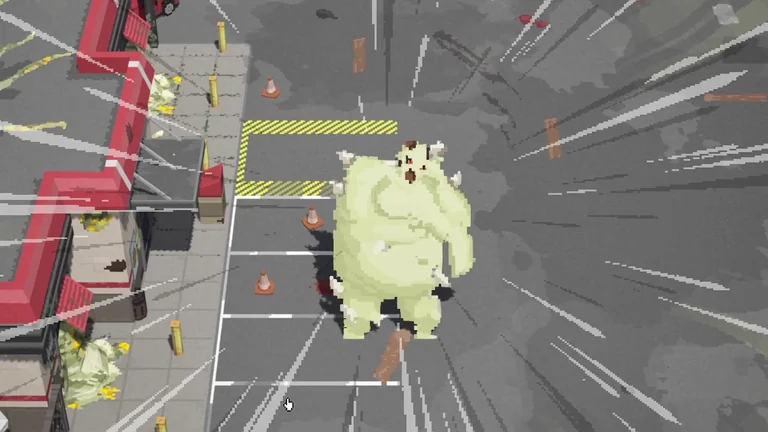
If the crash event rolls inside The Canyon (which unlocks after defeating 4 bosses), watch for 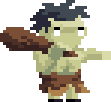 Caveman, The Canyon’s biome-exclusive zombie, which leaps into range and slams its giant club onto the ground to damage and knock back anything nearby. For boss routing toward later biomes, see our endgame and boss progression guide, and after clearing 5 bosses to open
 The Snowy Peaks, check our Santa unlock guide.
Astronaut Starting Kit, Space Suit, and Stickers
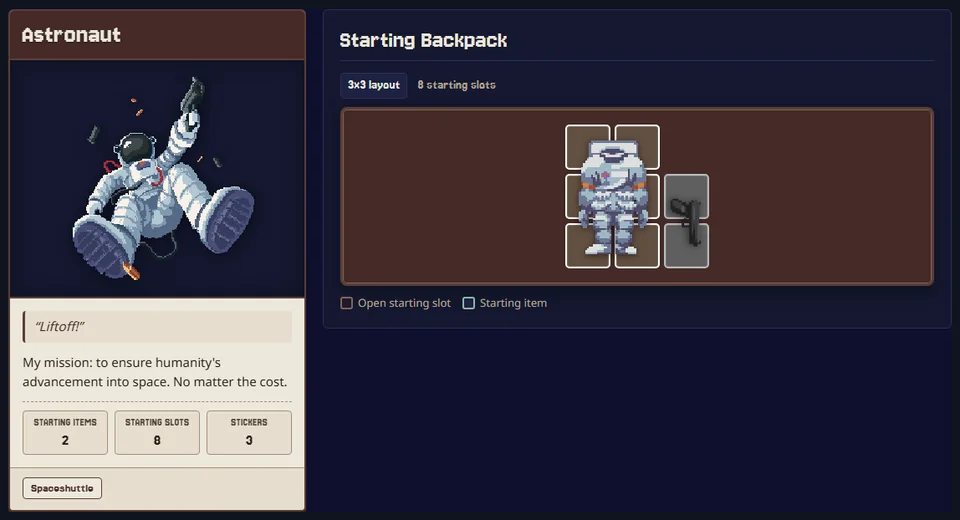
Astronaut opens every run with 8 starting backpack slots filled by a 2×3 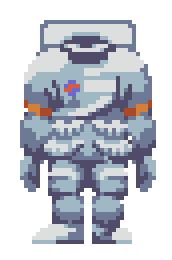 Space Suit and a rotated 2×1
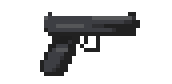 Pistol, leaving no open tiles until you add bags. Space Suit supplies +3 armor and raises crit hit chance by +2.0% per armor, plus an additional +0.1% per character level. Each point of armor absorbs the damage of a single hit, lowers movement speed by 3% per armor, and regenerates when a new day starts. As a Character-rarity item, Space Suit stays at one rarity and scales through Astronaut’s character stickers.
| Sticker | Target Item | Effect |
|---|---|---|
 +Armor |
Space Suit |
Adds armor to Space Suit |
 +Crit per Armor |
Space Suit |
Adds +3% crit hit chance per armor per rank |
 +Crit Damage |
Space Suit |
Adds bonus crit damage |
In the 1.0 launch update, +Crit per Armor was adjusted to grant 3% per armor at every rank; before that change, rank 1 gave 10% while ranks 2 and 3 had no effect.
To push crit scaling on Space Suit further, stack 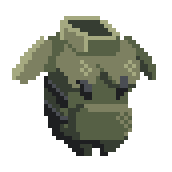 Body Armor (+2 armor at Rare, +4 at Epic, and +6 at Super) alongside
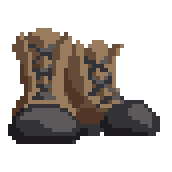 Heavy boots (+1 armor at Rare, +2 at Epic, and +4 at Super, plus a knockback wave on dash or trigger). A
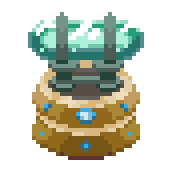 Shield Generator helps maintain that armor pool mid-day by repairing 1 armor every 10 seconds at Epic or every 5 seconds at Super while below its marked-item cap, provided you avoid hits that reset its timer. Because every armor point still applies a 3% movement speed reduction, test how much weight fits your weapons in our backpack planner before committing to a heavy-armor layout.